Product photo editing straight from your product feed
A product feed goes in. Clean photos come out in the feed.
Product photo editing
straight from your feed
Creora is a bulk AI product photo editing service for online stores. You add a CSV, TSV, XLSX, XML or YML feed and pick a mode; Creora processes up to 1,000 unique images and returns a file in the same format with links to the finished photos. A person checks product accuracy.
Creora finds up to 1,000 product photos, processes the first or every photo of each product and returns a file in the same format with links to the finished images.
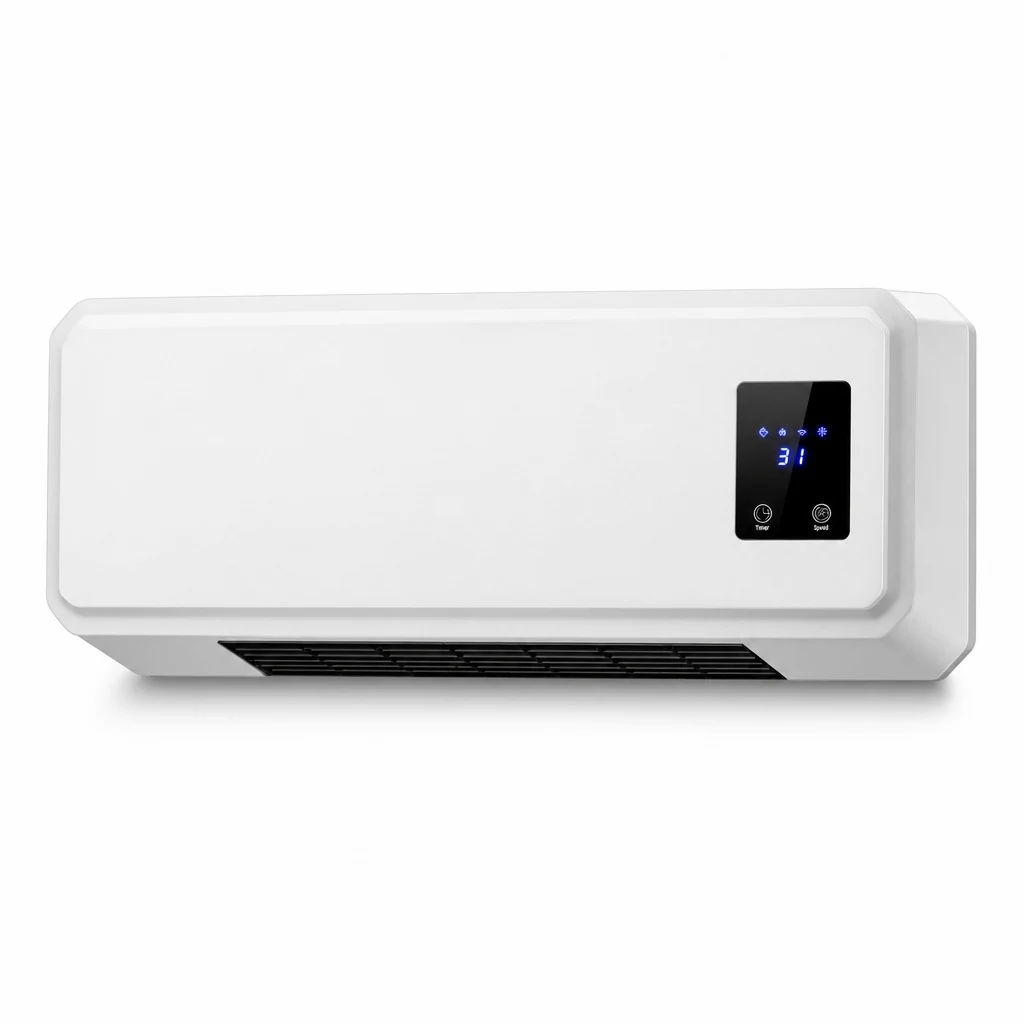

A real Creora edit: the ad captions, plants, the person and the decorative backdrop are gone. The frame is redrawn as a whole rather than retouched, so the display and small details of the heater still need a check before publishing.
You have photos, but they’re awkward to show
Supplier photos with captions, banners and other brands’ logos don’t fit your catalog.
Mixed backgrounds and stray objects make the catalog look patchy, and the product gets lost.
Editing hundreds of photos one by one is days of a designer’s work.
These are recent Creora results, not mockups
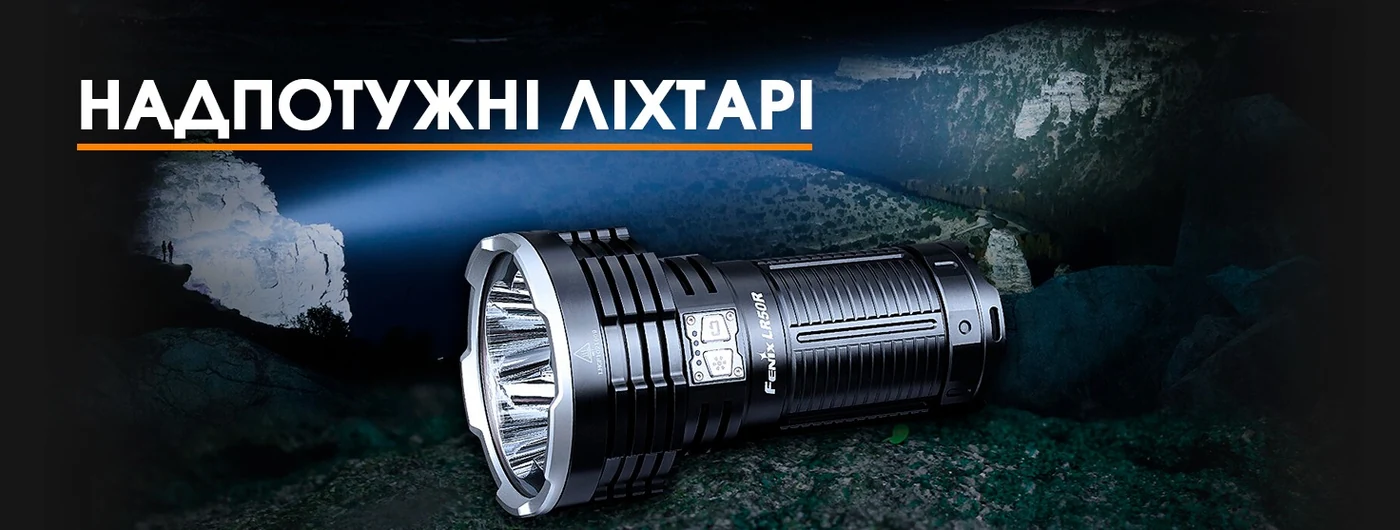
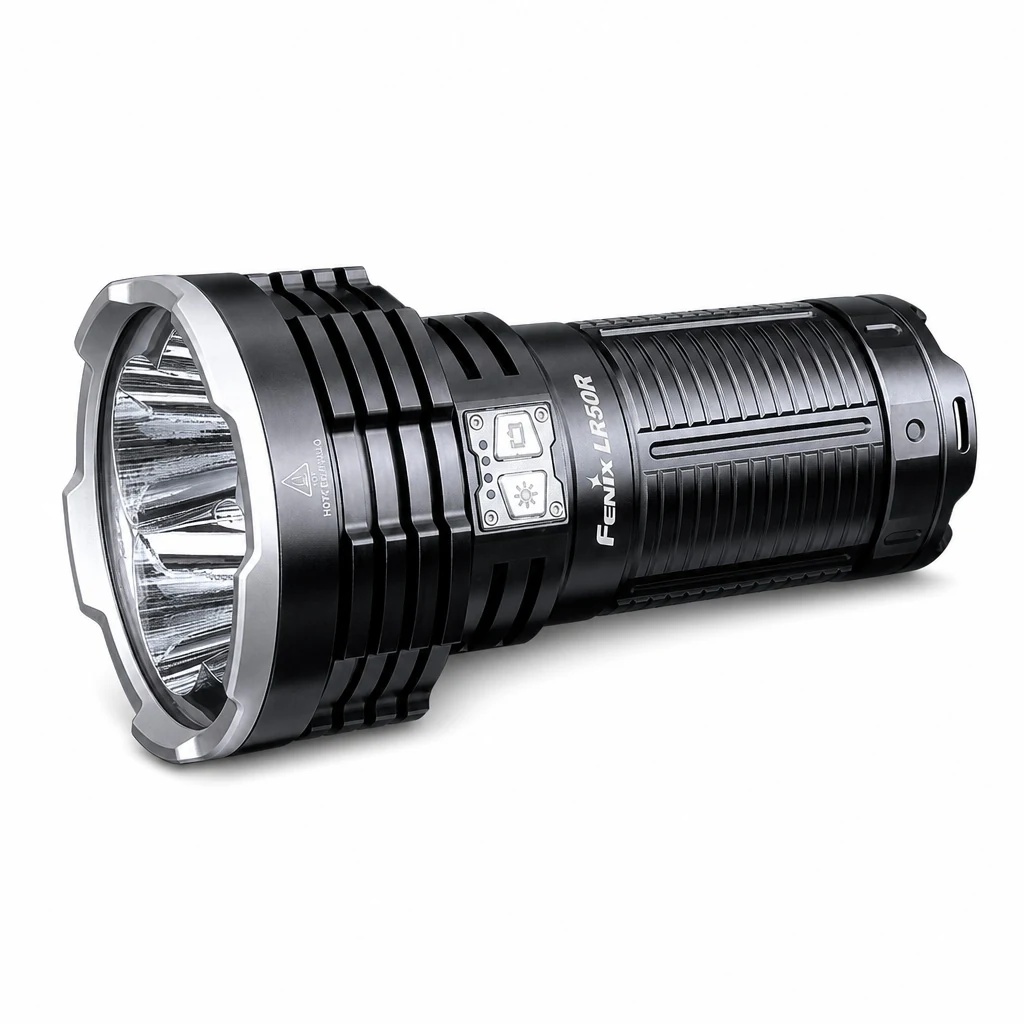
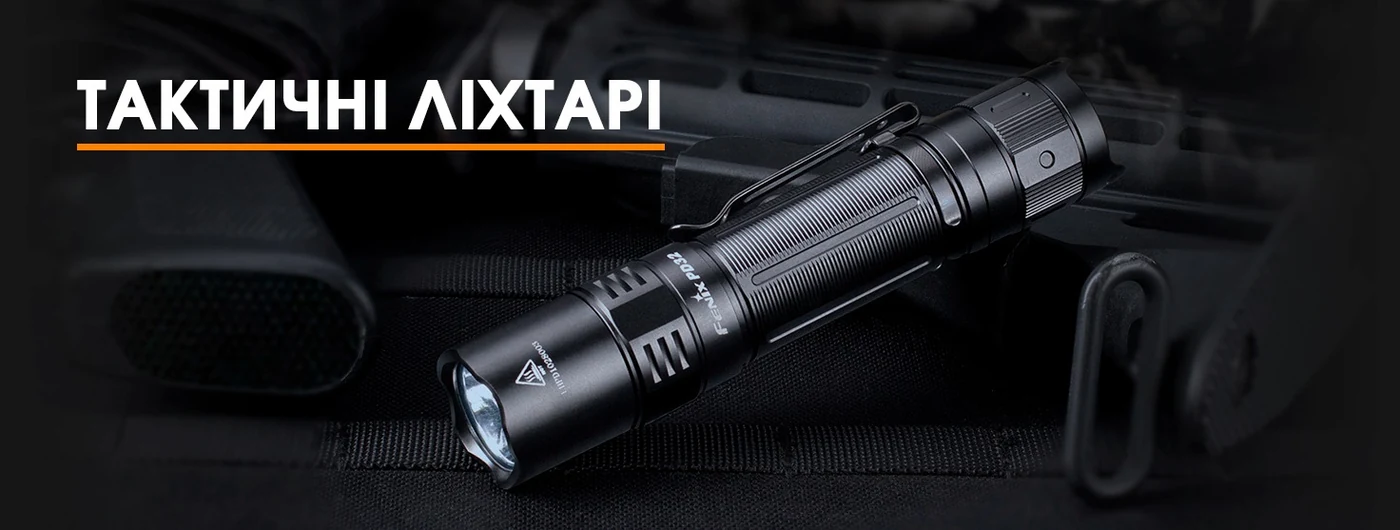
Ad compositions and home backdrops turn into clean catalog photos. Try the same process on your own feed.
One process, from the store export back to import
CSV, TSV, XLSX, XML or YML. Choose the first or every photo of each product.
Clean up, change the visible presentation, or combine both modes. Progress is saved in parts for batches of up to 1,000 unique photos.
Compare the results, then download the original format with the photo links replaced. A ZIP is available too.
Three editing modes
Each mode is priced in tokens per finished photo.
Removes other brands’ marketing from product photos and brings the set to a calmer, more consistent look.
What Clean is not: it isn’t object cutout or background removal, and it doesn’t keep the image pixel for pixel. The model redraws the photo as a whole, so packaging details, logos and small text can change.
Slightly changes the framing, position, lighting and visible presentation of the product.
It isn’t a true new angle; this mode shouldn’t show sides you can’t see.
Removes supplier clutter and right away gives the visible product a more distinct catalog look.
It changes the frame the most, so check labels, small text and exact geometry with extra care.
Creora rebuilds the frame, it doesn’t erase a single layer
A recent result with a laptop shows the benefit well, and it also shows why screens, captions and small details need a manual check.
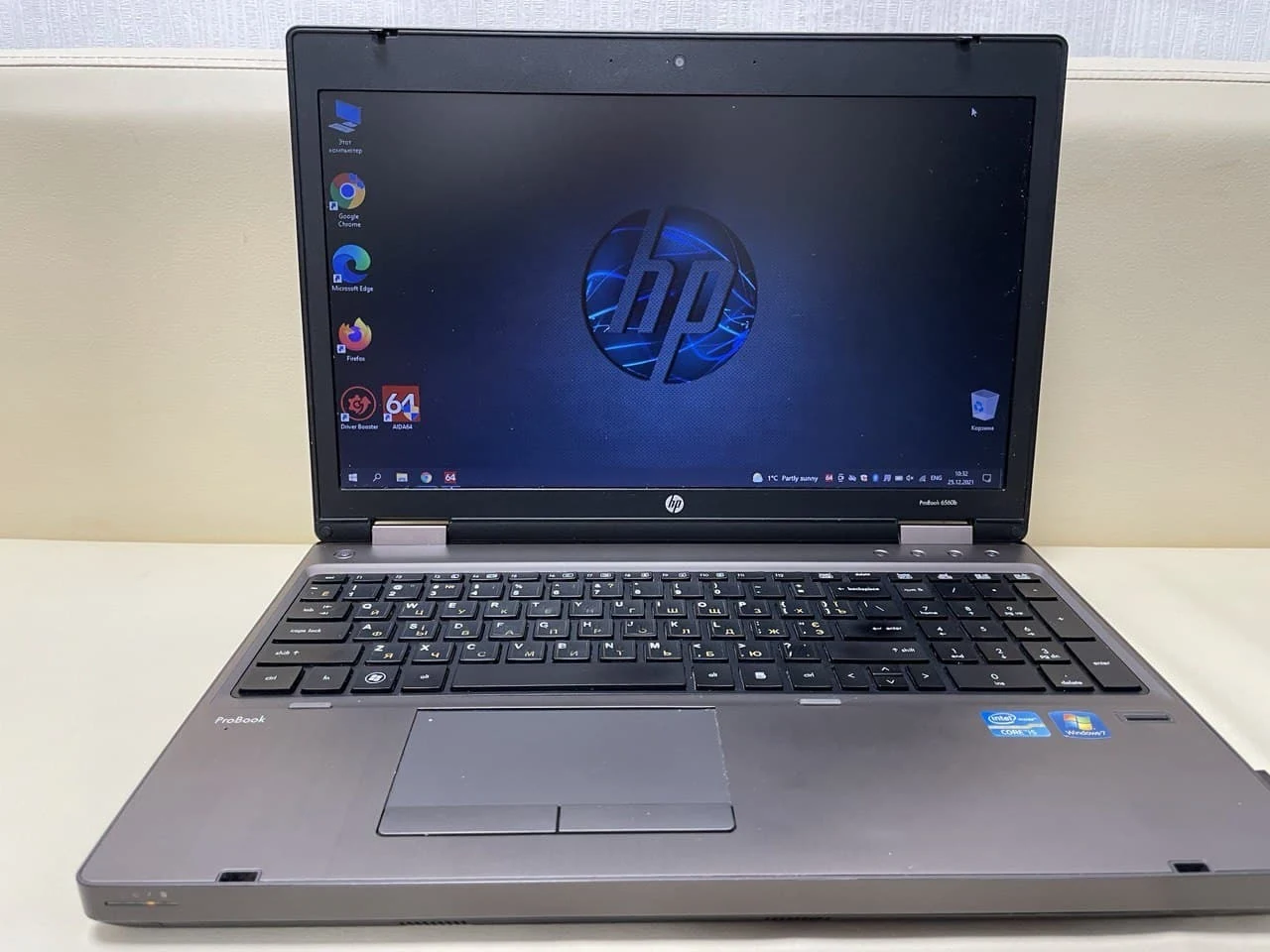
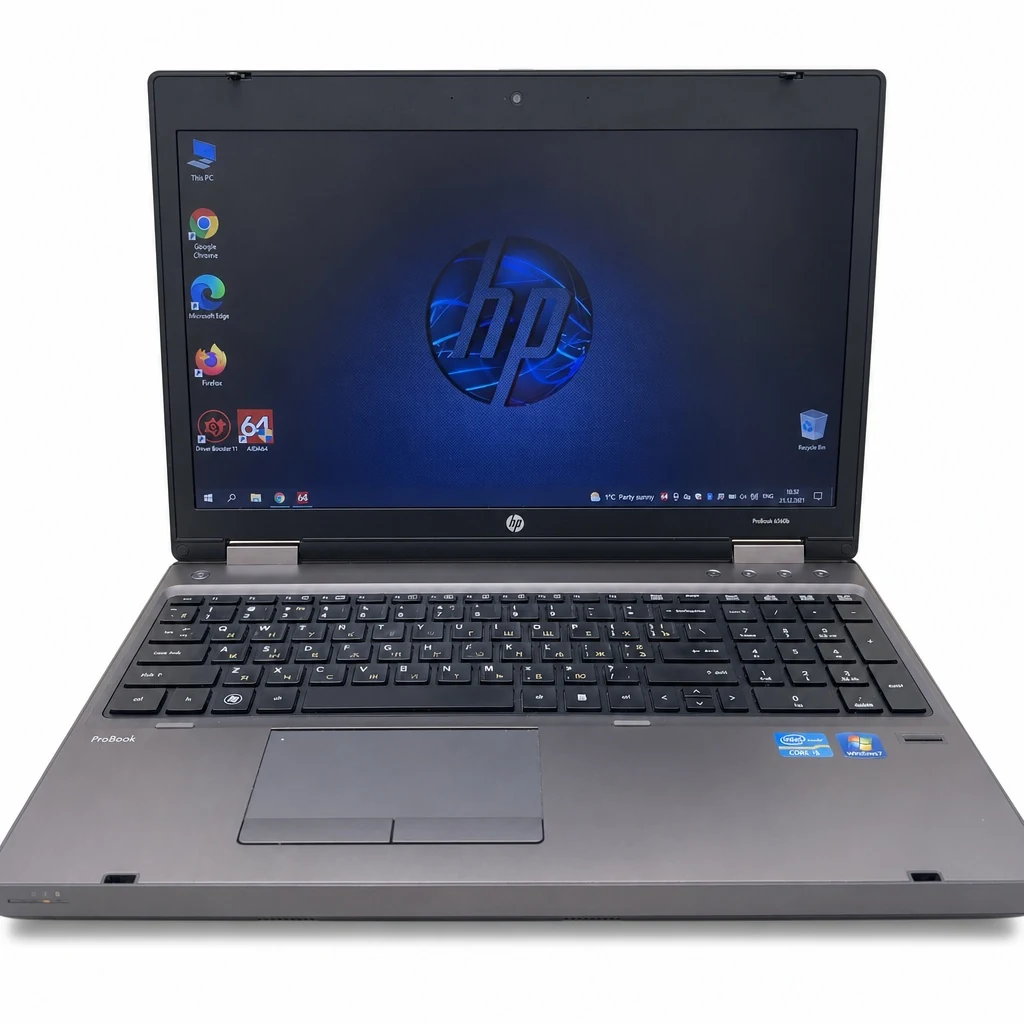
The room background is gone and the laptop is neatly centered; its overall shape, keyboard and screen layout are still recognizable. But icons, small text on the screen, stickers and some exact geometry were redrawn rather than kept pixel for pixel.
Clean photos for the whole catalog
In plain words: what Creora returns.
Pick a volume editing modes
One-time payment, no subscription. Photo counts below are for Clean, 10 tokens a photo; the same balance covers Change presentation at 14 or Clean + change at 18.
| What it is | Bulk AI product photo editing for online stores |
|---|---|
| Input | A CSV, TSV, XLSX, XML or YML feed; single files and links too |
| Volume | Up to 1,000 unique photos in one batch |
| Modes | Clean: 10 tokens a photo, Change presentation: 14, Clean + change: 18 |
| Results | A feed in the same format with links to finished photos; a ZIP as an extra |
| Packs | From $5 for 50 tokens to $139 for 10,000 tokens, one‑time |
| Free | 20 tokens on sign-up, enough for 2 cleaned photos |
| Charges | Per finished photo; failed and canceled ones are refunded |
Try it without signing up
A clean catalog photo
Upload a product photo with badges, watermarks or a busy background and get a clean photo back for your catalog.
Frequently asked questions
The main input is a product feed in CSV, TSV, XLSX, XML or YML. Creora finds the photos in it; you can process only the first or every photo of each product. Single files and links work too. Up to 1,000 unique photos per batch.
Test it on 5–10 photos
Start with the products that need cleanup most. Upload a feed or 5–10 typical supplier photos, compare each result with the original, and only then run the rest of the catalog.