For online stores and teams that run shopping ads
Make products stand out in Meta and give Google richer product data.
Product feed optimization
for Google and Meta
StoreNex Feed is a product feed management tool for Google Merchant Center and Meta catalogs. It improves titles and attributes for Google and adds sale badges to product photos for Meta. AI changes go live only after you approve them; prices and stock never change.
The service pulls your feed on a schedule, builds new first images for Meta and fills in titles and attributes for Google. You approve the changes and get a stable XML link per channel.
Check your feed first. It takes a minute.
Paste a public link to a CSV, XML or YML file. We’ll show required-field coverage, duplicate IDs and the products to fix first.
Two catalog jobs, one workspace
StoreNex Feed treats your store catalog as the single source. From it, the service separately builds images for Meta catalog ads and enrichments for Google Shopping and Performance Max. One catalog in. Two independent outputs, under your team’s control.
Shoppers see the photo. Ad platforms read the data. A feed has to convince both.
A good feed doesn’t replace advertising or a strong product. It removes the losses between your catalog and the ad: it shows people a clear offer and gives the platform a more precise product description.
In depth: what a product feed is and how it works →A CMS feed is easy to export. But it isn’t ready for ads.
In Meta, the shopper sees the photo first. Google reads the data first. So the same base feed needs two different kinds of preparation.
The image has no price, no discount and no reason to notice this particular product.
A short title, a broad category and empty attributes give the system less data to match against searches.
A designer assembles cards, a specialist edits spreadsheets, and checking thousands of SKUs before launch is close to impossible.
What is a product feed
A product feed is a file listing a store’s products that Google Merchant Center and Meta catalogs read. Each row is one product, with a title, price, availability, link and image. Google and Meta build product ads from the feed, so its quality decides whether a product gets shown at all.
| id | A unique product ID, the same in the feed and on the site |
|---|---|
| title | Title: product type, brand, model, color, size |
| price | A price that matches the price on the site |
| availability | Availability: in stock, out of stock, preorder |
| image_link | A link to the main product image |
| gtin / brand | Barcode (GTIN) and brand, which Google uses to recognize the product |
Adds an offer to every product photo with a single rule
Pick a template, products and the promo period. The service builds new first images for every matching SKU and shows you a sample before launch. Original photos and prices stay in the source.
In the current pilot: 22 ready templates, including bulk commerce cards without AI, campaign and industry layouts, and a separate AI mode with benefits. Formats 1:1 and 4:5; AI turns on only after QA and a limit check.

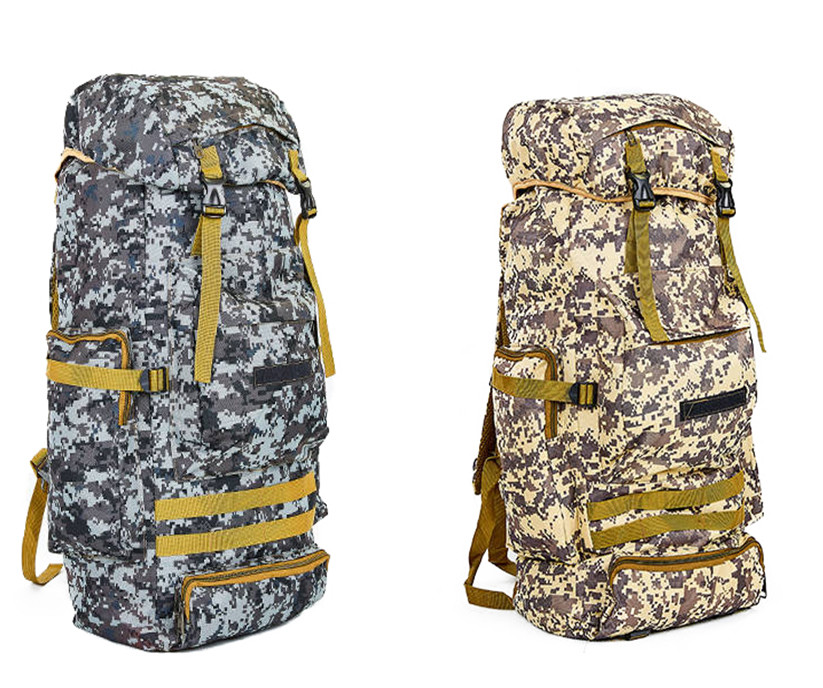
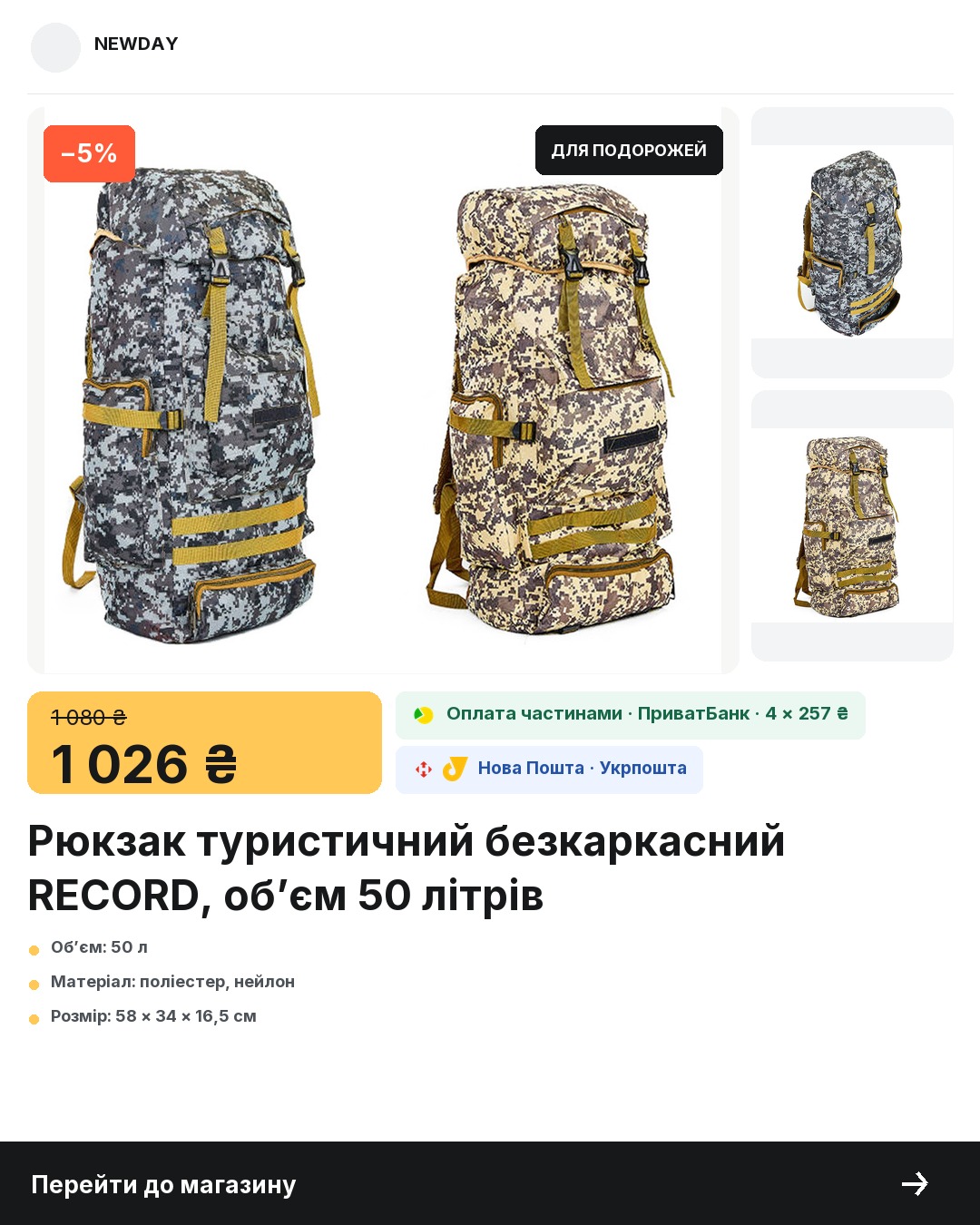
All source photos, titles, prices, discounts and attributes come from the NEWDAY test XML catalog. The brand badge, payment terms, logos of verified services, shipping and CTA are set in the store profile. In the first seven examples the product isn’t redrawn; AI changes the surroundings only in the last one.
Gives Google fuller titles and structure with no edits in your CMS
The service applies approved enrichments to a copy of the source XML without rebuilding the feed. Your team reviews the suggested fields, and critical commerce data passes through unchanged.
In the current pilot: up to 16 allowed fields. Each AI suggestion shows the source fact next to it, and a change reaches the feed only after you confirm. Reconciliation with Merchant Center is manual for now.
| Field | Source | Suggestion |
|---|---|---|
| product_type | Collections › Claddagh collection | Jewelry › Pendants › Silver pendants |
| title | Silver Claddagh pendant with emerald | Arcanite silver Claddagh pendant with emerald, 925 sterling |
| material | None | 925 sterling silver |
Meta changes images. Google, only allowed fields.
Keeping channels apart lowers the risk of accidentally changing price, availability or other critical data.
| Parameter | Meta Creative Feed | Google Feed Intelligence |
|---|---|---|
| Job | Add an offer and your brand look to the photo | Give Google more clear product data |
| What changes | The link to the first image | Title, product type, labels and allowed attributes |
| What you get | A dynamic XML with the same structure and new image_link values | A dynamic XML with the same structure and approved enrichments |
| How you stay in control | Templates, rules, samples and versions | Original value, suggested change and your confirmation |
The method follows Google Merchant Center’s official data quality guidelines and Meta’s guidance on catalog ads.
Connect one feed. Handle each job separately.
In the pilot, it takes four steps to get from upload to a ready link.
Add a CSV, XML or YML as a file or an HTTPS link. The service checks the structure and required fields.
See how many products were read, which fields were found and where there are warnings.
For Meta, set up a template and a product group. For Google, review the fields that will be changed in the XML copy.
The service builds a separate version and a stable link only after you confirm.
Less repetitive work. More control before launch.
Pay only for the result your store needs
Choose Meta, Google or both modules. The base price includes 1,000 SKUs; each extra thousand is added automatically.
- +$5 per extra 1,000 SKUs
- 10 AI images a month
- +$5 per extra 1,000 SKUs
- Up to 16 reviewed fields
- +$9 per extra 1,000 SKUs
- 20 AI images a month
| What it is | Product feed management for Google Merchant Center and Meta catalogs |
|---|---|
| Input | CSV, XML or YML as a file or an HTTPS link; files up to 20 MB |
| For Meta | New first images from a template; 1:1 and 4:5 formats; 22 templates in the pilot |
| For Google | Titles, product type, labels and up to 16 allowed fields, after you confirm |
| What never changes | Price, availability, shipping, URLs and identifiers |
| Pricing | Meta Creative $29/mo · Google Intelligence $39/mo · Commerce Bundle $59/mo |
| Included | 1,000 SKUs; each extra 1,000 SKUs is +$5 (Meta or Google) or +$9 (Bundle) |
| Free trial | 14 days: both modules, up to 3,000 SKUs and 10 AI images |
| Free check | Up to 1,000 products, no sign-up, the feed isn’t stored |
Understand product feeds without the jargon
Practical explanations for store owners and performance teams: what to check, what to improve and where impressions most often get lost.
Try it without signing up
Free product feed checker
Paste your feed link and get a report: required fields, prices, links, images and the products to fix first.
Good to know before you connect a feed
About the two channels, change control and the limits of the current pilot.
It’s a file listing your products: title, price, availability, link and image. Google Merchant Center and Meta catalogs take data from the feed to show products in ads. The fuller and more accurate the data, the fewer products get disapproved.
14 days free
Test the service on one real feed: see the new look for Meta and the improvements for Google. The first output goes live only after you confirm.